Premium Marriage Biodata Maker

Create & Download Biodata For Marriage Free in Minutes

No login. No watermark. Your data never leaves your device. Trusted by families from Delhi to Chennai, Lucknow to Ahmedabad.

Whether you’re a parent in Kanpur creating your daughter’s biodata, or a software engineer in Bengaluru making your own — we’ve designed every template with Indian families in mind. Choose your community, fill in your details, download your PDF, share on WhatsApp.

No signup required. Export-ready in a few clicks.

A quick 2-minute process

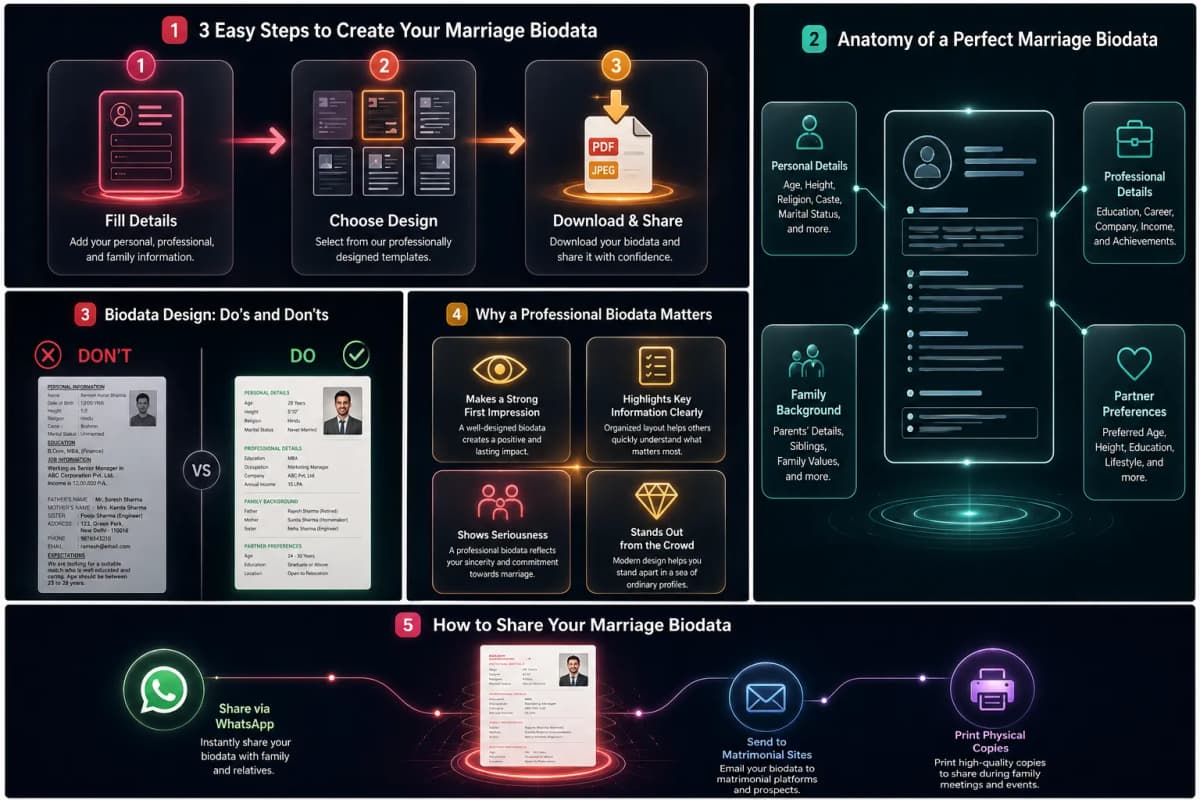
How to Create Your Biodata in 3 Steps

Most families finish in under 5 minutes. Fill in three sections — personal details, family background, and contact information — and your PDF is ready.

Step-by-step guide to create a marriage biodata infographic
01

Personal Info

Your basic details, identity, and physical traits.

02

Family Info

Details about your parents, siblings, and relatives.

03

Contact Info

How prospective families can securely reach you.

01. Categorize Your Persona

Input personal and professional attributes effortlessly using meticulously categorized sections.

Basic Details

Full Name
Date of Birth
💡 DD-MM-YYYY format
Time of Birth
Place of Birth

Identity Details

Religion
Caste / Sub-caste
Zodiac Sign
Nakshatra

Physical & Professional

Height / Color
Blood Group
Job / Business
Salary / Income

Additional

Hobbies & Interests
Expectations
💡 What you seek in a partner

02. Introduce Your Roots

Provide details about your parents, siblings, and extended family background so matches know exactly who you are.

Parents Information

  • Father’s Name & Occupation (Business / Service)
  • Mother’s Name & Occupation (Homemaker)

Siblings & Relatives

  • Number of Brothers & Sisters
  • Marital Status of Siblings
  • Notable Uncles or extended family names

03. The Final Step

Add the definitive way for interested matches to securely get in touch with you.

Ready to Connect

Phone Setup

Add up to 2 primary mobile numbers for parents or yourself to manage inquiries safely.

Address Details

Insert your current residential address or permanent home location details clearly.

What makes a good marriage biodata?

A good biodata is honest, complete, and fits on a single A4 page. Families reviewing 20–30 profiles at once spend 90 seconds on each one. Our templates are structured so nothing important gets missed — and every field is explained as you fill it.
Editorial

Your biodata, fully editable — anytime

Not only is your text information editable at any time — you can also change template style, font family, and theme colour without re-entering your details. Your data is saved in your browser until you choose to reset it. Here is exactly how each type of edit works.

How to edit your details:

Suppose you've entered your personal, family, and professional details and now want to make changes. If you're still in the browser, simply update any input field or click back from the template page to edit. If you realize you need changes a few days later, your information is still there — we don't delete data from input fields even after you close the browser, unless you manually reset it.

How to change your template design without re-entering information:

Let's say you want to switch to a different template but don't want to fill in your details again. After entering your information and selecting a template, you land on the preview page — where all available templates are listed so you can switch without going back to the form. And if you've already closed the browser, don't worry. Your information is saved until you hit the reset button, so you can change your template anytime.

Editable fonts and theme colours:

After selecting your template, the preview will show you its default fonts and colour theme — but you can change both. To change the font, use the drop-down list on the preview page, which includes Playfair Display, Poppins, Lora, Cinzel, Libre Baskerville, and Merriweather. For theme colour, a separate drop-down lets you choose from Gold, Royal Blue, Maroon, Emerald Green, and Classic Black.

Common problems when creating a biodata — solved

Most biodata makers give you three templates, no font control, and a blurry download. Here is how we solve the three problems families run into most often.

Limited template choices:

On this site, you'll find 40+ biodata template designs built for different communities and cultural aesthetics. You can preview each one live before selecting, so you know exactly what your PDF will look like. Premium-quality templates are available completely free.

Blurry or low-quality downloads:

A beautifully designed biodata looks unprofessional if the downloaded file is blurry or pixelated. We generate high-quality PDF and JPEG files so your colours, fonts, and layout stay sharp — whether someone views it on a phone or prints it at home.

Not knowing how to organise information:

Most people are unsure what order to present their details in. Our form structures your details so you enter personal information first, then family background, then education and career, then contact details — and your template reflects that same order. No guesswork, no blank staring at a blank page.

Why Our Biodata Builder Is Different?

Easy to use

Your biodata is ready to download the moment you finish filling in your details. No account, no payment.

Customization made simple

Here, you’ll feel like everything is under your control as you can add new, fully customized fields. After selecting a template, you can also change the theme of the template.

Great Looking Templates

We’ve carefully structured each template to showcase your personal, family, and professional details in the most clear and elegant way. We are offering both simple and stylish layouts, so you can select according to your preference.

Why do you need a marriage biodata?

First step toward finding a partner:

A biodata is how families introduce themselves in the arranged marriage process. That time has gone when you had to go to a computer shop and ask them to create and print a hard copy. Now you can create it yourself in three easy steps, download it, and share it for free — in minutes, not days.

Avoid repeating your information:

Whether you're approaching a marriage bureau or sharing directly with families, you'll be asked the same questions dozens of times. Create your biodata once, download it as a PDF, and share it whenever someone asks. No typing the same details again and again.

Attract only compatible matches:

When your biodata clearly states your education, profession, family background, and partner preferences, families who are not a fit will self-select out. You'll spend less time on non-serious inquiries and more time on matches that actually meet your expectations.

Advantages of creating your biodata online?

Create your biodata in minutes — on any device. No login, no watermark, no file left on our servers. Download PDF or JPEG and share instantly on WhatsApp.

Professional & Attractive Template Designs

Choosing the right format, which should be clean, readable, and presentable, is essential to make a strong impression and convince them to think about how serious you are about starting your new journey. In this app, you will find many template design options and theme selection.

JPEG/Image format download option

Creating your biodata is only half the job — sharing it with the right people is the other half. Download as a JPEG image to share instantly on WhatsApp, or send a private link without any app.

PDF format download option

This online platform gives you the leverage to build a format exactly how you want. And update your information or change template format anytime, and download it in the most downloaded format, which is PDF format.

How to share your biodata after downloading

Once your biodata is ready, you have six ways to get it to the right people — from a WhatsApp message to a printed copy for a marriage bureau meeting.

Download as PDF

Your biodata is generated as a high-quality PDF — ready to download to your phone or computer in seconds. No blurry images, no layout shifts.

Share via WhatsApp or Email

Open WhatsApp, attach your PDF, and send. Most Indian families exchange biodatas this way — it takes less than a minute.

Share a Private Link

Generate a private link to your biodata that anyone can open on their phone — no PDF download required on their end.

Upload to Matrimonial Sites

Attach your PDF directly to your Shaadi.com, BharatMatrimony, or Jeevansathi profile. A consistent, well-designed biodata makes your profile stand out.

Print for In-Person Meetings

Need a physical copy for a pandit, a relative visit, or a marriage bureau meeting? Print directly from the PDF — it's formatted for A4.

Re-download After Editing

Changed your job, your photo, or your partner preferences? Return to the site, update your fields, and download a fresh PDF — your data is still saved.

Trusted Worldwide

Why Indian Families Choose Marriage Biodata Hub

Three things set us apart: your data stays on your device, every community gets the right fields, and sharing on WhatsApp takes one tap.

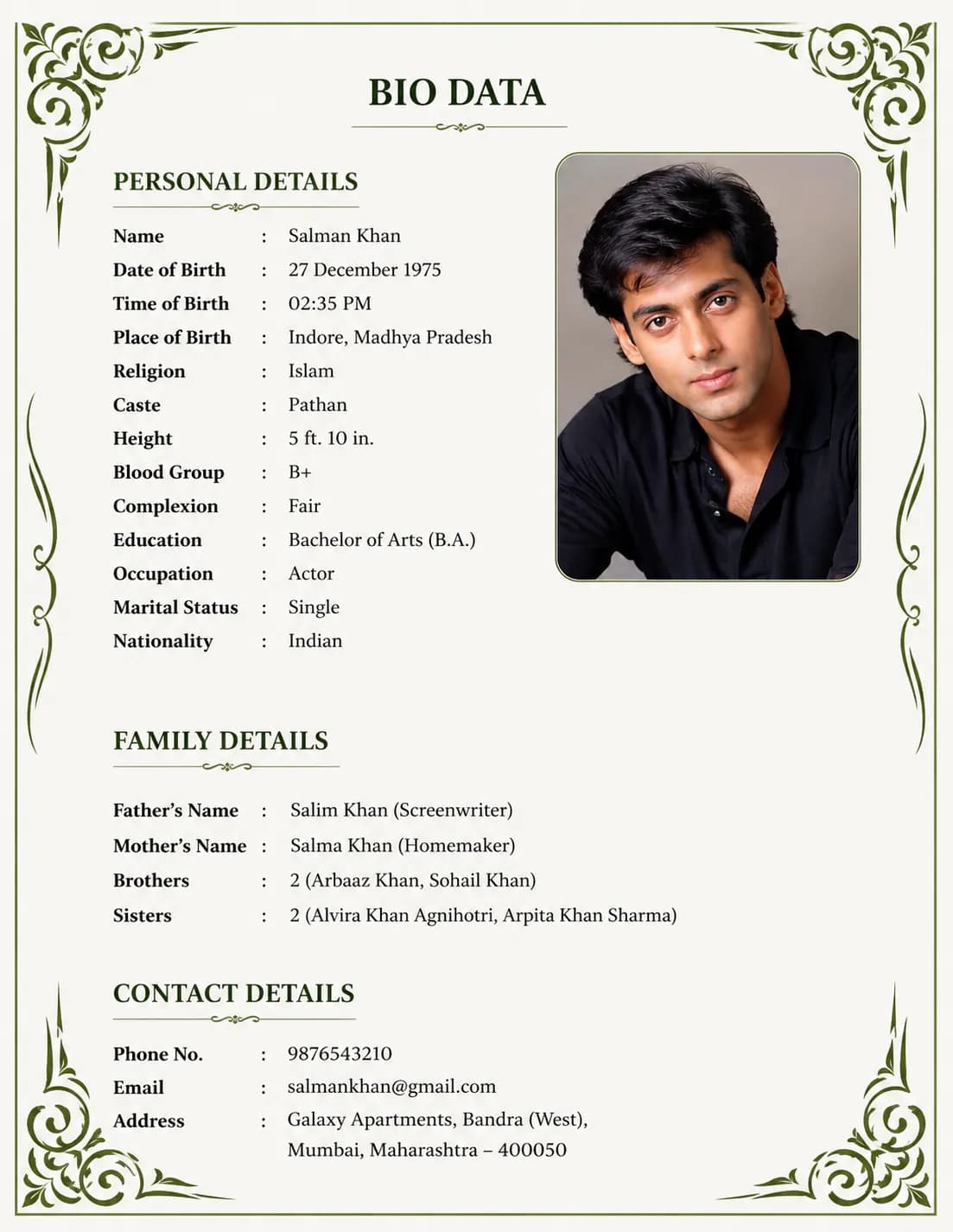
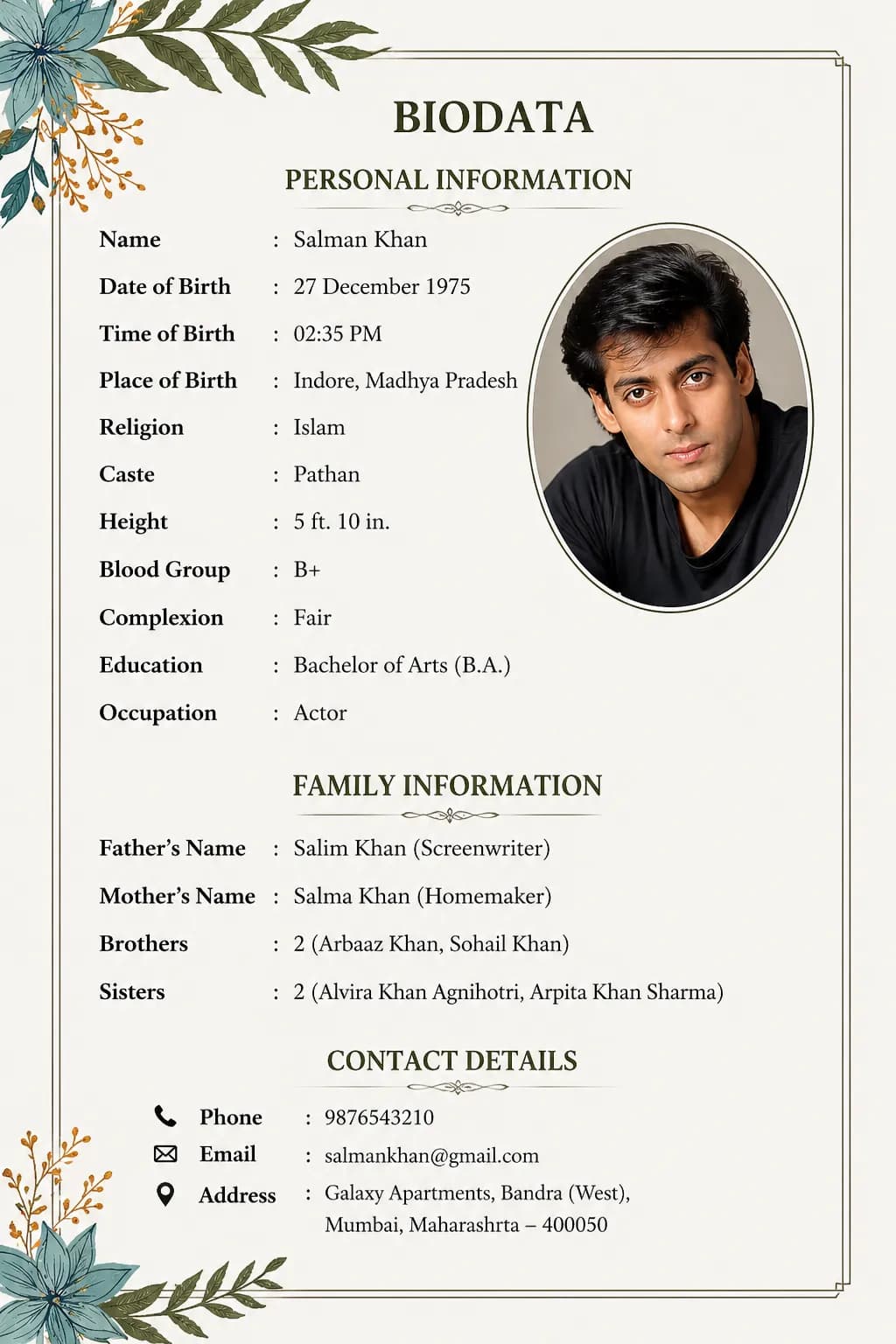
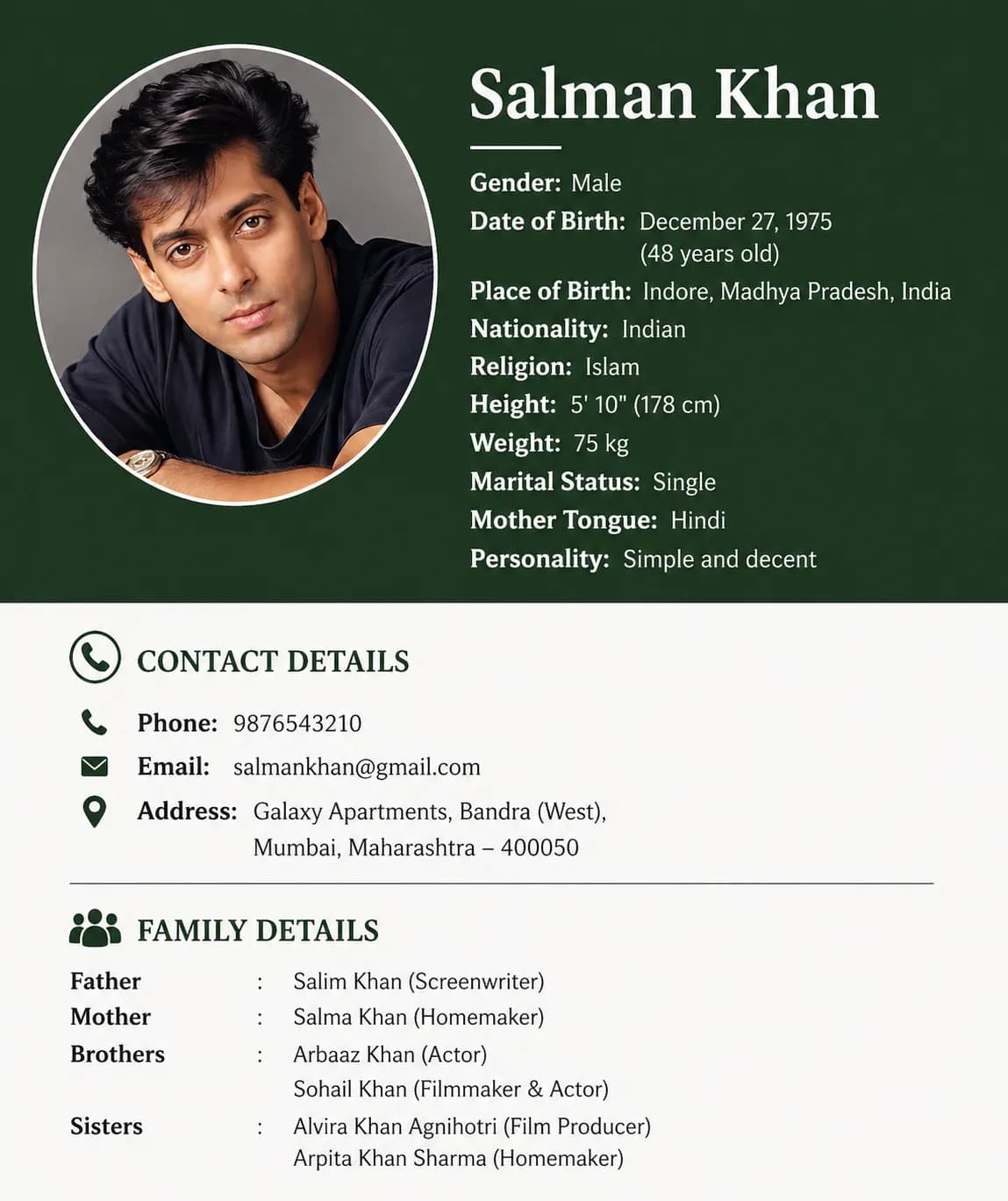
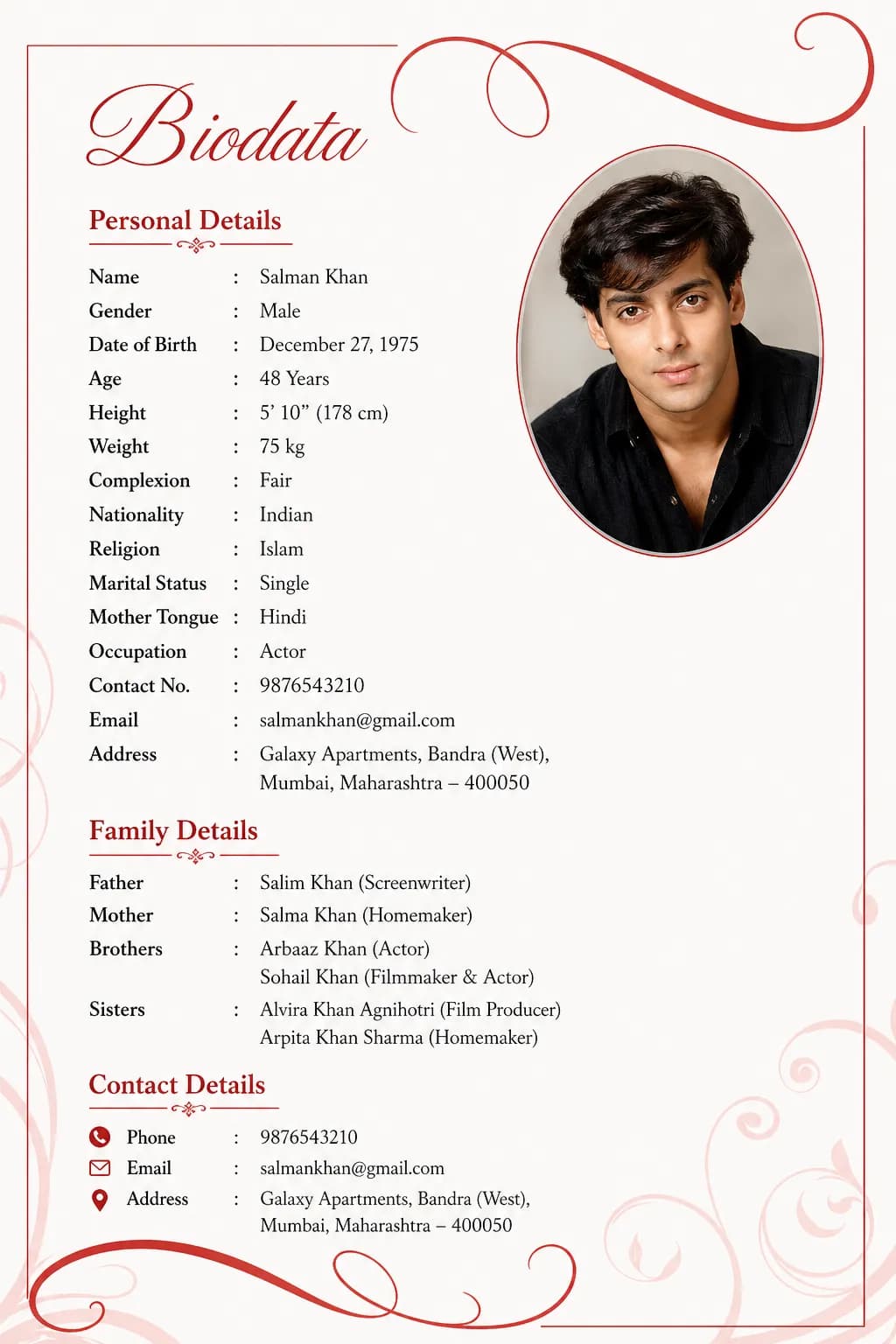
Beautiful Green Biodata Template
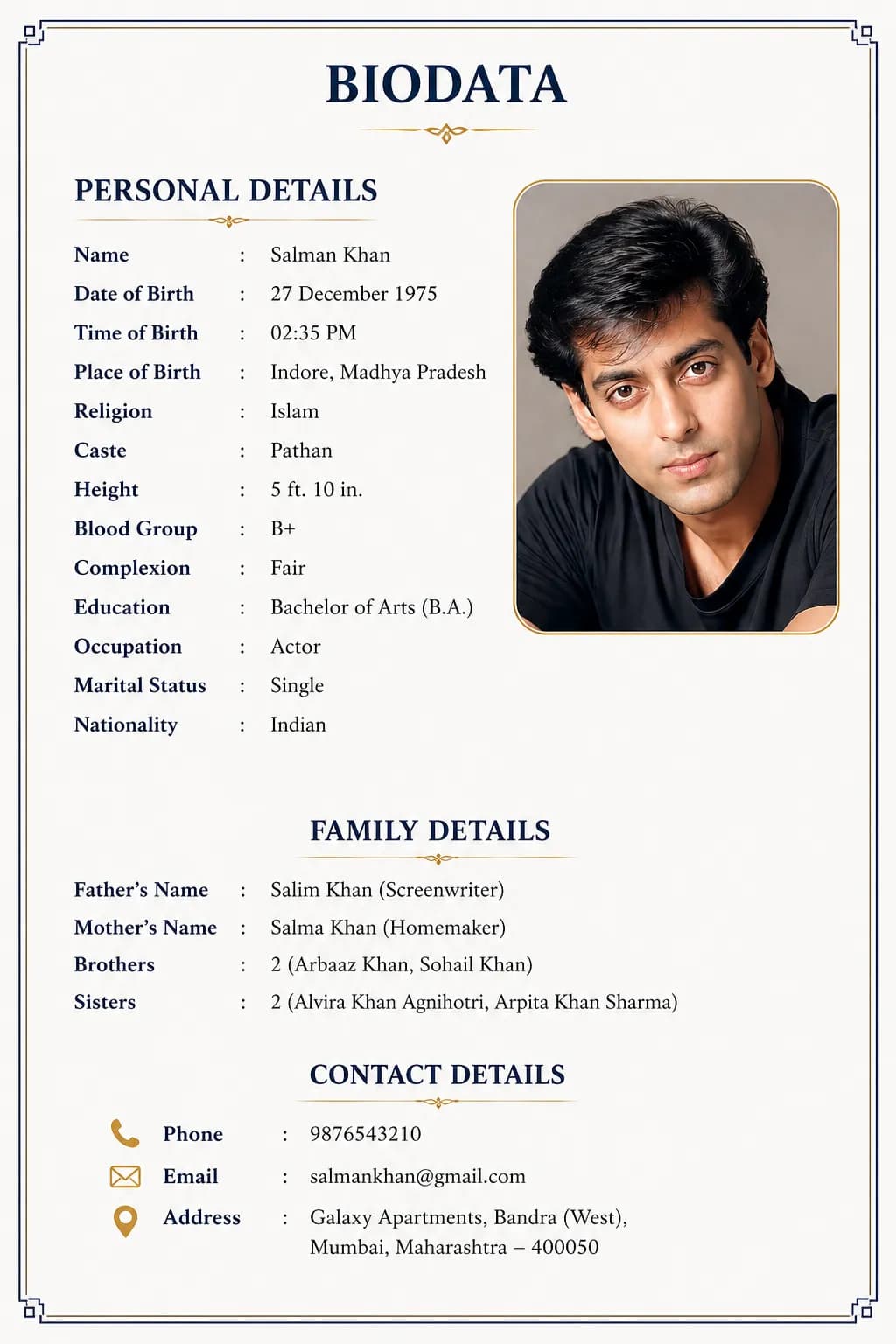
Beautiful Art Biodata Template
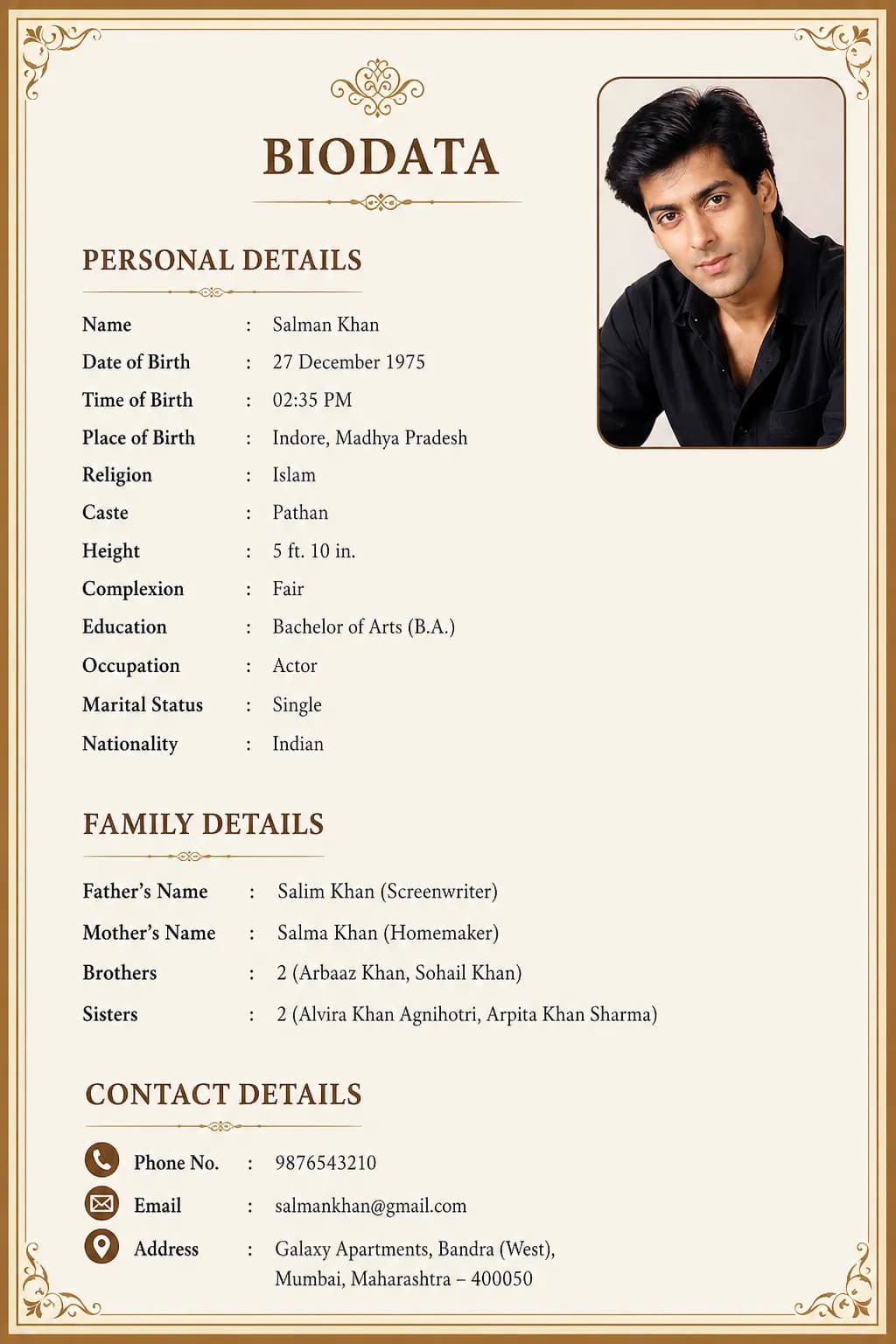
Golden Border Biodata Template

Your data, your device.

Unlike most biodata makers that store your family’s details on their servers, we process everything in your browser. Close the tab, come back tomorrow — your biodata is still there.

Built for every Indian community.

From Gotra and Nakshatra fields for Hindu families, to Sect and Biradari fields for Muslim families, to Kul and Kulswamini for Marathi families — the right fields are already waiting for you.

One click to WhatsApp.

Most families in India share biodatas through WhatsApp. We’ve made it a single tap — PDF ready, message ready, no compression, no format issues.

Design tips for a biodata that gets read

Create an attractive, well-structured format that makes a lasting first impression. Follow these professional design principles.

Tip 1

Biodata With a Photo

  • Use a clear, high-resolution, recent photograph.

  • Display the photo prominently at the top-center or side.

  • Ensure good, natural lighting with a neutral background.

  • Maintain an elegant and modest dress code in the picture.

  • Crop to a professional portrait or semi-portrait aspect ratio.

Biodata With a Photo
Tip 2

Biodata Without a Photo

  • Opt for a clean, highly text-focused structural layout.

  • Ensure distinct horizontal spacing between critical sections.

  • Use premium typography so the text itself becomes the design.

  • Highlight key personal details, education, and family background.

  • Utilize tasteful borders or minimalistic line dividers to structure data.

Biodata Without a Photo
Tip 3

Add High-Quality Religious Elements

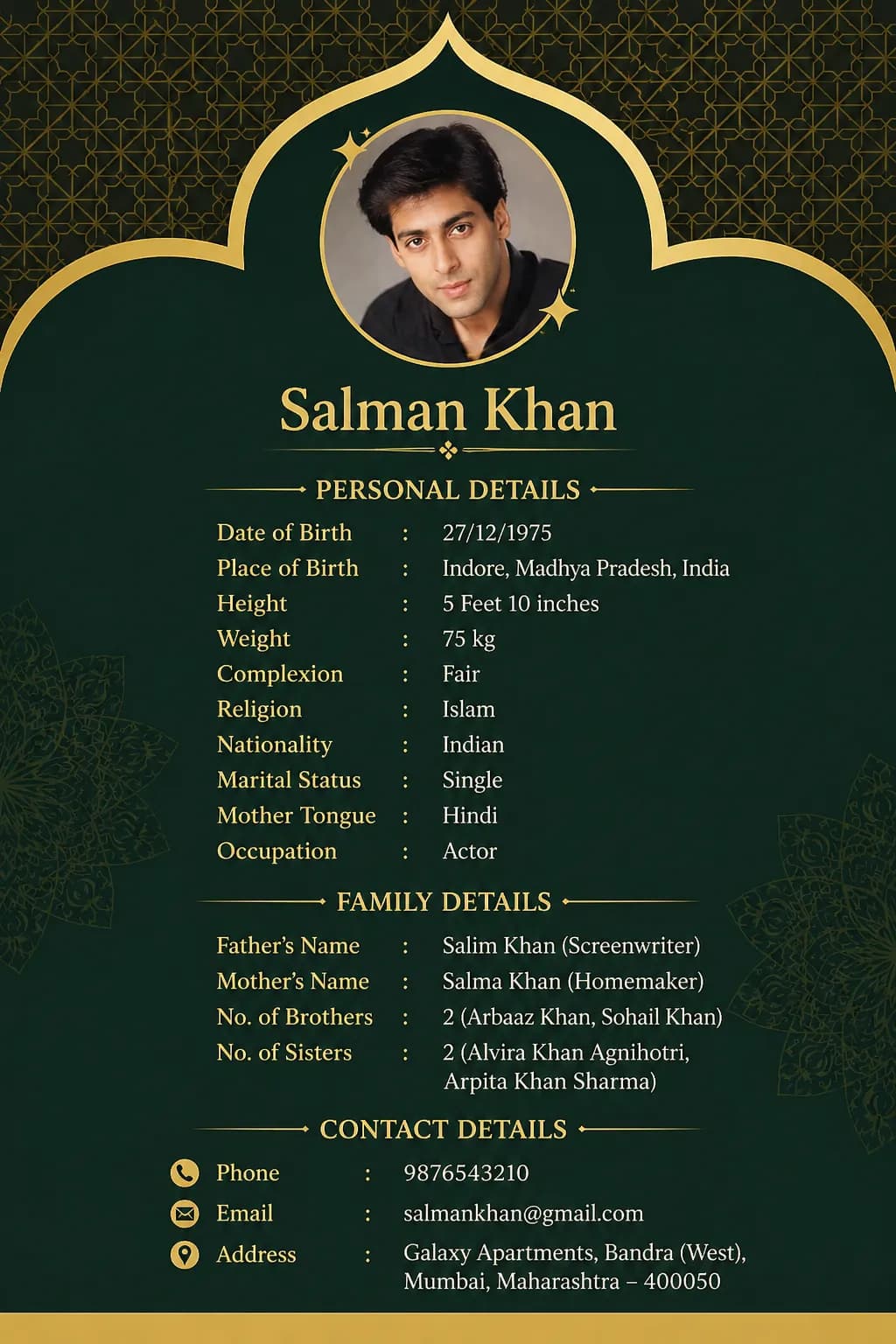
  • Incorporate subtle, beautiful Islamic or religious motifs (e.g., Bismillah calligraphy, subtle mosque patterns or mandalas).

  • Maintain an elegant implementation that acts as an accent rather than a distraction.

  • Avoid overcrowding the header area with excessively large icons.

  • Blend religious motifs seamlessly with the underlying color theme of your template.

Add High-Quality Religious Elements
Tip 4

Maintain Clean & Balanced Layout

  • Establish proper text alignment (typically left-aligned for data, center for headings).

  • Pick a maximum of two complimentary, elegant fonts to ensure reading comfort.

  • Categorize your details into logical sections (Personal, Professional, Family).

  • Enforce empty whitespace to avoid clutter and overcrowding.

  • Proofread to ensure impeccable flow and visual symmetry on the printed page.

Maintain Clean & Balanced Layout

Frequently Asked Questions

What is a marriage biodata?

A marriage biodata is a structured one-page document used in Indian arranged marriages. It introduces a bride or groom to a potential match's family, covering personal details, family background, education, career, horoscope information (for Hindu families), and partner preferences. It works like a resume but for the marriage process — and is typically shared via WhatsApp with relatives or uploaded to matrimonial sites like Shaadi.com and BharatMatrimony.

Is Marriage Biodata Hub completely free?

Yes. You can create your full biodata, choose any template, preview it, and download the PDF completely free — no login, no email, no credit card. Your data is processed in your browser and never stored on our servers.

Can I edit my biodata after downloading?

Yes, always. Return to marriagebiodatahub.com on the same device and your information will be restored from your browser's local storage. Update any field and re-download your updated PDF anytime.

How do I share my marriage biodata on WhatsApp?

After downloading your PDF, tap the WhatsApp share button on the download screen. This opens WhatsApp with your biodata PDF attached and a ready-to-send message. You can also share the private link we generate — it opens your biodata beautifully on any phone without needing to download a file.

Which Indian communities does Marriage Biodata Hub support?

We have dedicated templates and fields for Hindu, Muslim, Sikh, Christian, Jain, Marathi, Gujarati, Tamil, Telugu, Bengali, and Punjabi communities. Each template includes the community-specific fields that families actually check — Gotra, Rashi, and Manglik for Hindu families; Sect and Biradari for Muslim families; Kul and Kulswamini for Marathi families; Natchathiram and Rasi for Tamil families.

Do I need to include a photo in my biodata?

Yes, if possible. A biodata with a photo receives significantly more responses than one without. Use a recent photo taken in the last 6 months, with a plain or light background, natural lighting, and a clear face. Avoid filters.

Your Biodata Is the First Step Toward the Right Match

Start your beautiful journey with us today!